

Managing Jobs
Managing Jobs
Jobs Screen
| 1. Jobs Screen | From the Jobs screen, you can start entering Work Orders (actual staff time), Purchase Orders (actual outside costs), etc. |
| A. Work Orders | |
| B. Purchase Orders |
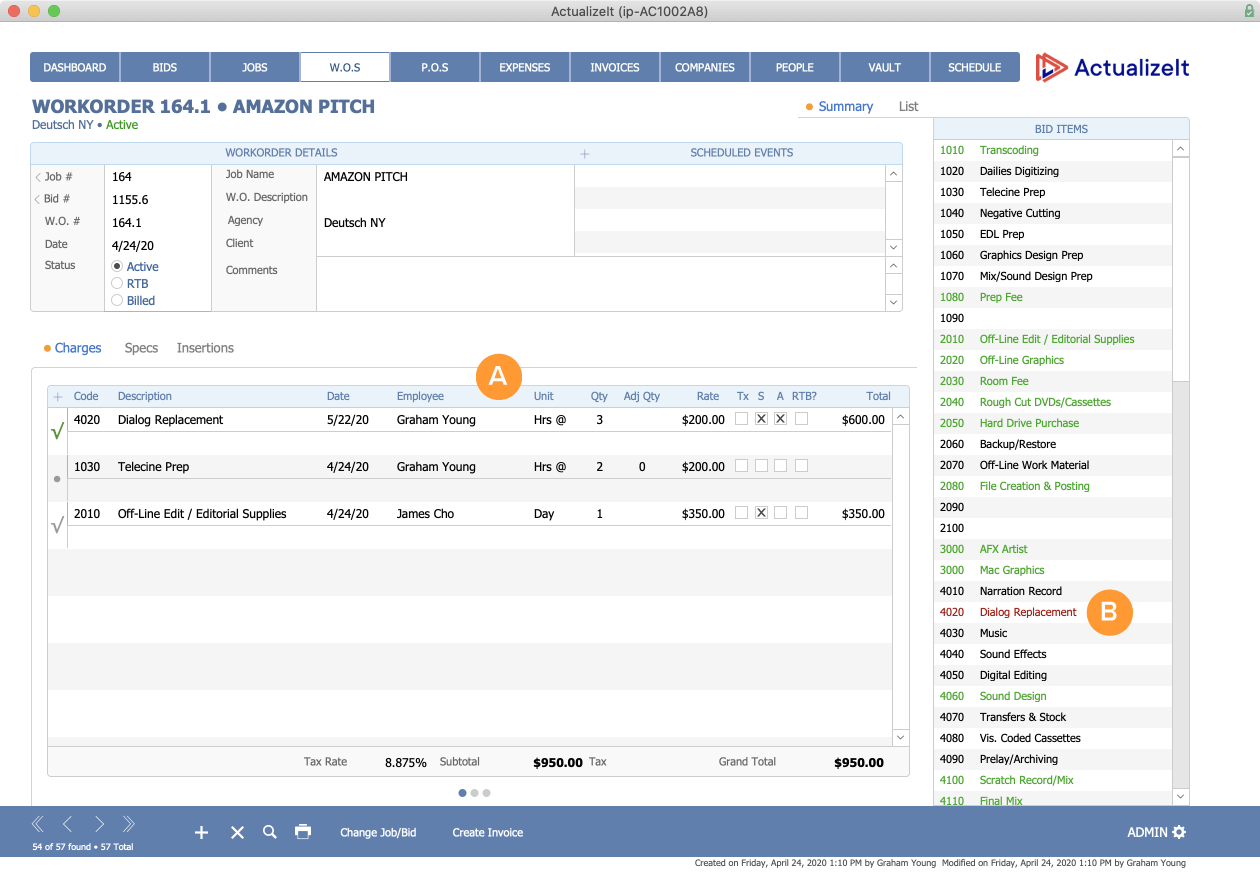
Work Orders Screen
| A. Charges | You can select items from your Bid (shown in green on the right) and start adding actual costs. |
| B. Bid Items | If you add an item that wasn’t in your Bid, it will show as red. |